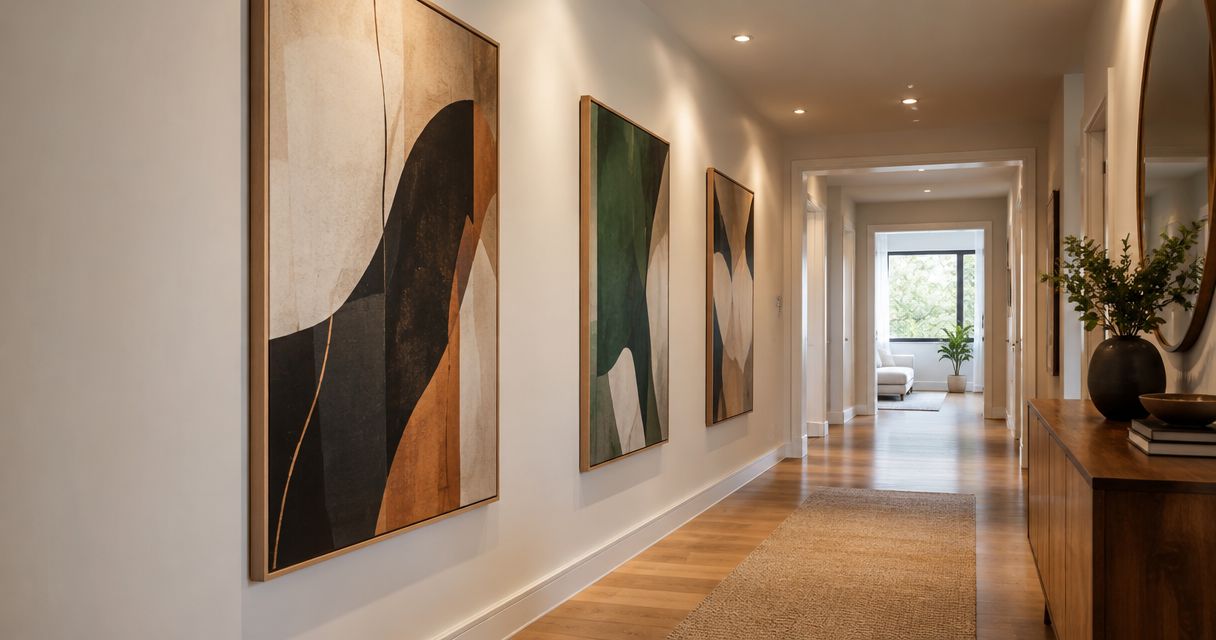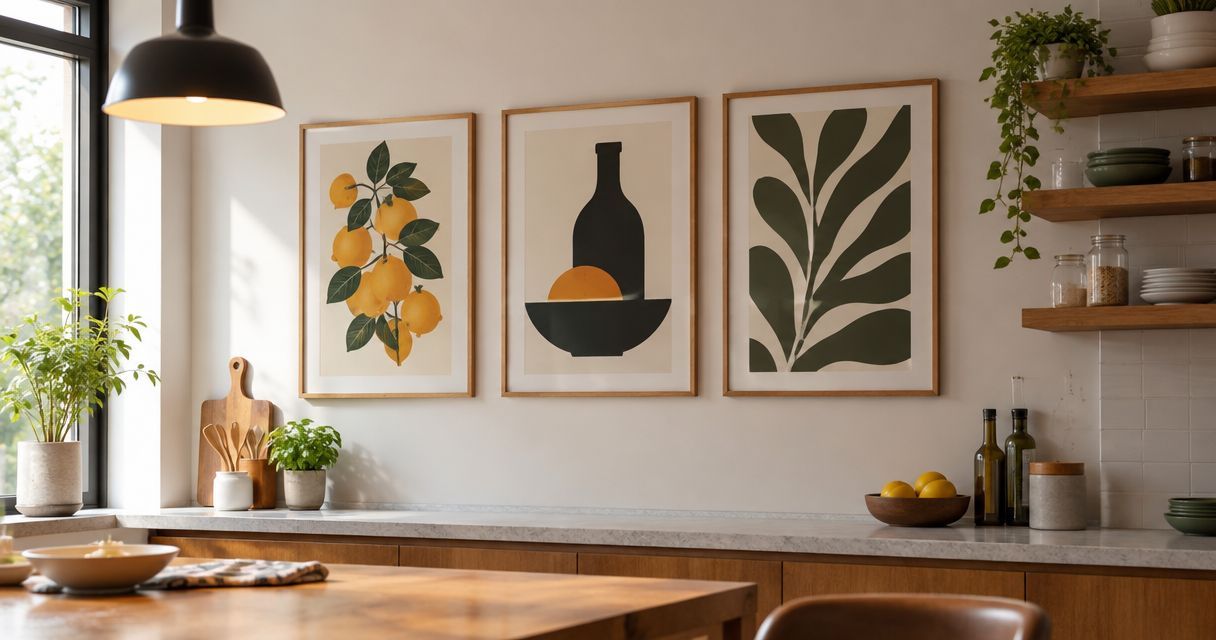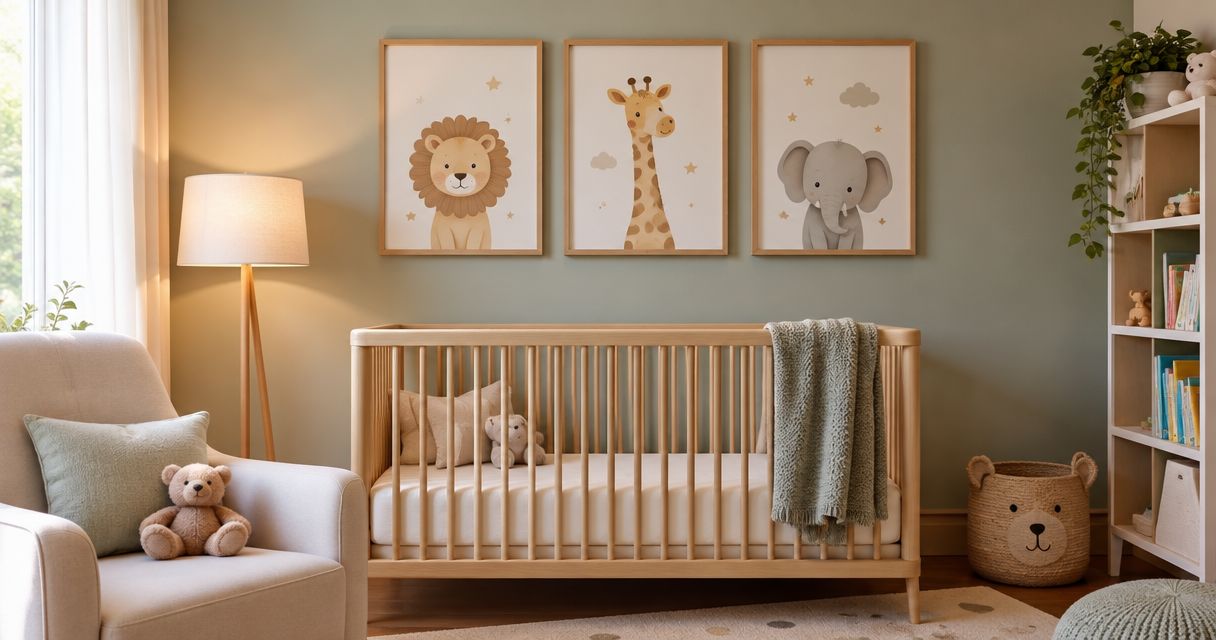
Instead of repeatedly sending Pinterest screenshots and explaining the same preferences, turn your saved references into a measured brief, confirm what a seller can supply, and approve the final specification in writing. This pinterest to custom wall art orders workflow separates inspiration from purchase decisions without assuming that a saved image is ready to print.
- Use Pinterest for inspiration; turn wall-art references into a measured brief before requesting an order.
- Approach Mercado da Imagem as an art and wall-decoration source, with your Pinterest brief prepared first.
- Confirm image rights, finished dimensions, materials, and written approval before authorizing custom wall art.
- Keep board updates separate from approved order specifications so new inspiration does not silently change your request.
Why this matters
A Pinterest board shows what attracts your eye. It does not tell a seller which dimensions, artwork, framing, or arrangement you actually want. A room photograph also mixes several decisions: the art itself, its placement, the furniture, and the lighting.
Your brief must describe the desired result without asking a seller to interpret every saved image. For a 2026 decorating project, keep one current specification outside Pinterest and use the board as supporting material.
Mercado da Imagem sells art and wall decoration. Treat that as a sourcing starting point, then ask whether the specific work described in your brief can be supplied. Do not assume that every reference corresponds to a product or customization service.
Before you start
- Prepare access and reference material. You need a Pinterest account to organize saved Pins, access to your chosen board, and a document where you can record decisions. Check sharing permissions before sending the board to anyone else.
- Measure the actual installation area. Have a tape measure, a straight-on wall photograph, and the usable wall width and height in centimeters. Record nearby furniture and obstacles separately.
- Resolve the hidden blocker: image rights. Saving a Pin does not give you permission to reproduce its artwork. Use references to communicate preferences unless you own the image or have permission covering the intended reproduction.
You do not need an automation tool for this process. The handoff is a written brief followed by seller confirmation, not a presumed Pinterest-to-checkout connection.
Reference board setup
- Create a project board. When saving a relevant Pin, use Save and choose the destination board. If you need a new destination, use Create board in the board picker. These instructions refer to Pinterest's English interface; translated labels differ.
- Give the board a specific purpose. Use a name such as Living room wall art — 2026. Keep unrelated rooms in separate boards so the references do not compete with one another.
- Choose a working shortlist. Start with 3 reference images as an editing exercise, not a design rule. Select images that explain distinct preferences rather than several near-identical rooms.
- Annotate each reference outside Pinterest. Write what you want to borrow: muted colors, an abstract subject, a narrow frame, or a horizontal arrangement. Also write what you do not want copied.
- Check the original context. Open the source associated with each reference when accessible. Distinguish an artwork photograph from a styled-room photograph or a digital mockup.
Expected result: you have a focused board and a short explanation of each reference's role. Another person can understand your preferences without guessing which parts of the room image matter.
A useful annotation is specific: you like the artwork's restrained palette but not its frame or its placement. That statement prevents a visually attractive reference from becoming an ambiguous production instruction.
Order brief configuration
- Record the room conditions. State the room, intended wall, nearby furniture, and relevant exposure to sunlight or moisture. Describe conditions; let the seller confirm whether a proposed material suits them.
- Measure the usable area. Record wall width and height in centimeters, then note switches, shelves, doors, and other exclusions. Do not treat the full wall as usable if furniture or fittings interrupt it.
- Specify the finished dimensions. Distinguish the image size from the total framed size. Write width × height in a consistent order and state the unit beside every measurement.
- Define the composition. State whether you want a single piece or a coordinated arrangement. For multiple pieces, request individual outside dimensions and the intended gaps in centimeters.
- Separate requirements from preferences. A piece fitting between shelves is a requirement. A preferred frame color is a preference until the seller confirms it as part of the proposed order.
- Identify the artwork source. State whether you are requesting existing artwork, supplying your own file, or asking about an original commission. Ask which route the seller actually supports.
Expected result: the seller can assess the request without extracting measurements or production choices from your Pinterest board.
The wall art for living rooms guide provides a separate planning reference when furniture placement and the surrounding room still need attention. Settle those decisions before asking for a final specification.
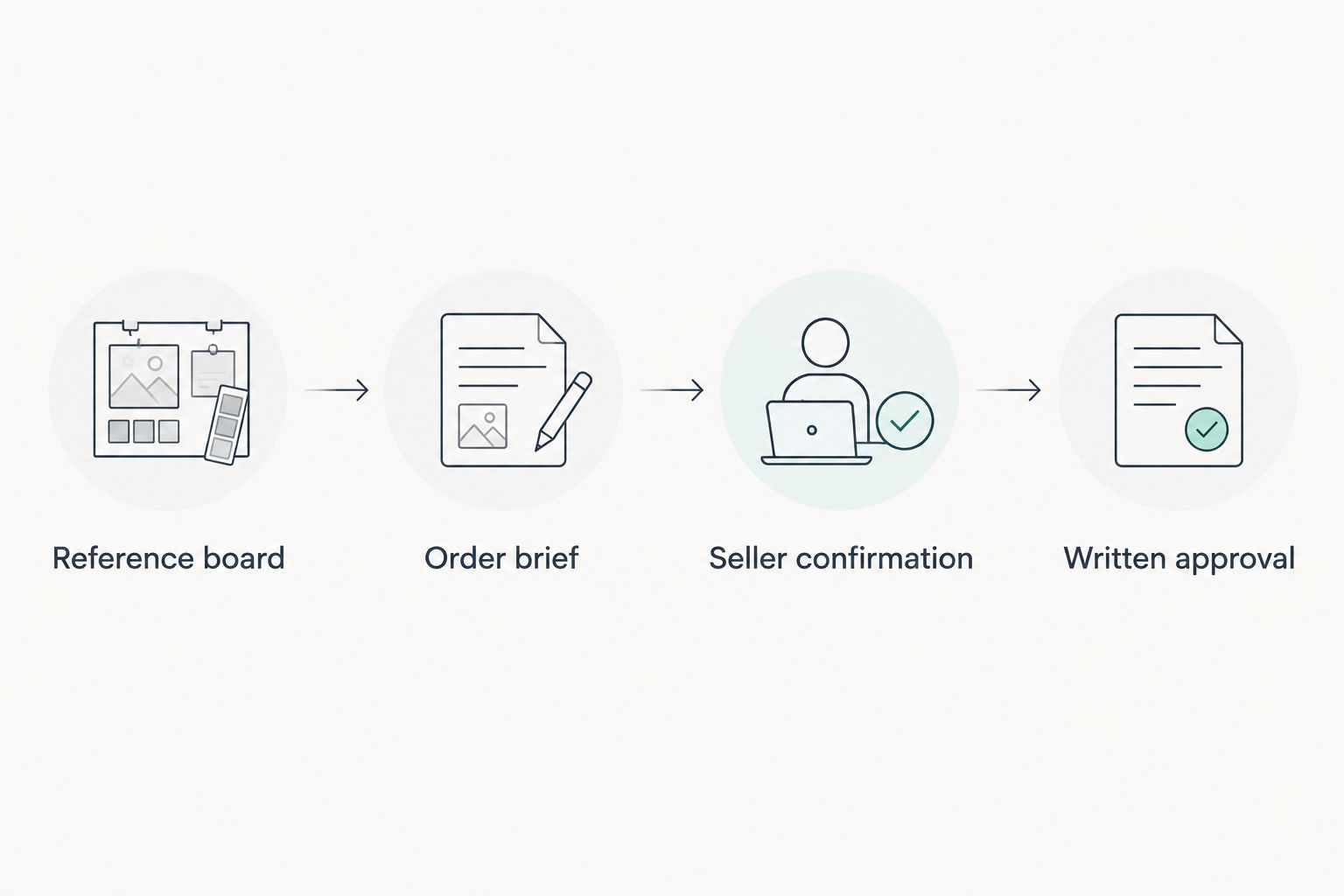
Copyable brief structure
Use these field names in your document. They are suggested document headings, not controls on a seller's website.
| Brief field | What to record |
|---|---|
| Project name | Room and project identifier, such as Living room — 2026 |
| Reference board | Your Pinterest board and the reason for each shortlisted image |
| Installation area | Usable width, height, obstacles, and wall photograph |
| Finished dimensions | Outside dimensions, orientation, and units |
| Artwork source | Existing work, owned file, or request for an original commission |
| Appearance | Subject, palette, frame preference, and exclusions |
| Seller confirmation | What can be supplied and which details remain unresolved |
| Approval record | The accepted specification and its revision date |
Do not fill unknown fields with assumptions. Mark them as questions for the seller and resolve them before approving production.
Seller confirmation and approval
- Send the brief through a channel the seller provides. Include the reference explanations, measurements, and relevant photographs. A board link alone is not a complete request.
- Ask the seller to confirm the request's scope. Establish whether the seller supplies the requested artwork, customization, framing, and arrangement. For Mercado da Imagem wall-art enquiries, ask about the specific request rather than assuming a service from a reference image.
- Confirm file requirements before supplying artwork. Ask for accepted file types, required resolution at the intended print size, and any color or cropping instructions. Do not send a Pinterest screenshot as a production file.
- Review the proposed specification. Check the artwork identity, finished dimensions, orientation, material, frame, and included components. Ask how the seller represents any finish that is difficult to judge on a screen.
- Approve one identified version. Record the approval date and the exact specification accepted. Keep later ideas outside that approval unless the seller confirms a change in writing.
Expected result: both parties have the same written description of what is being ordered, rather than different interpretations of a mood board.
For your 2026 project record, retain the seller's confirmation alongside the approved brief. A filename alone does not prove what was accepted; the approval message should identify the corresponding document or specification.
Choose the right handoff workflow
The right handoff depends on who makes the final design decisions. Neither approach removes the need for seller confirmation.
| Workflow | Best for | Advantage | Limitation |
|---|---|---|---|
| Buyer-led brief | One room with clearly defined preferences | You keep direct control over the references and decisions | You must resolve dimensions, rights, and conflicting preferences yourself |
| Designer-assisted brief | Projects coordinated with furniture and other finishes | One person can consolidate room-wide design decisions | The seller still needs a precise, approved production specification |
Choose the buyer-led workflow when you can write an unambiguous brief. Choose the designer-assisted workflow when room-wide decisions remain unresolved; do not ask a seller to infer those decisions from a large board.
The benefit of this process is clarity, not automatic ordering. Its limitation is that you still need a person to review artwork rights, physical fit, and the seller's actual proposal.
When your Pinterest board changes
A second workflow handles new inspiration after you have sent the brief. This is a manual change-control process, not an automatic Pinterest update trigger.
- Save the new reference without treating it as an approved change.
- Identify the affected decision: artwork, palette, size, frame, or arrangement.
- Update the brief and give the revision a distinct date or identifier.
- Ask the seller whether the change can be accepted at the current stage.
- Keep the earlier specification active until a replacement is explicitly confirmed.
Expected result: new ideas remain visible without silently changing an order already under discussion or production.
During a 2026 room refresh, avoid using Latest as your only revision label. A dated specification makes it clearer which document a seller has reviewed. Reopening a board does not tell you whether its contents match the accepted order.
Troubleshooting
The seller cannot open your board
Check the board's visibility and the recipient's access. If sharing remains awkward, send a concise reference document with source information and your own written descriptions. Sharing a reference still does not grant reproduction rights.
The reference image looks soft when enlarged
Do not approve printing from the screenshot. Ask for an authorized production file and have the seller assess it at the requested finished size. Enlarging a preview does not recover missing image detail.
The proposed piece does not fit the wall
Compare the outside framed dimensions with the usable installation area, not just the image dimensions. Recheck furniture clearances and obstacles on the wall before approving a revised size.
The screen colors do not settle the decision
Ask how the seller communicates the proposed colors and materials. Screen appearance is not a physical sample, so avoid treating a digital mockup as a guarantee of an exact finish.
The seller is working from an older brief
Send a single message identifying the currently approved specification and ask for acknowledgment. Keep superseded versions clearly marked in your own records rather than sending several competing attachments without explanation.
Customize your workflow
For a coordinated arrangement, add a placement sketch showing each piece's outside dimensions and the gaps between pieces. For a shared room project, nominate one person to consolidate feedback before it reaches the seller.
If your request involves Mercado da Imagem wall decoration, keep the enquiry limited to confirmed needs and ask which parts can be supplied. The brand is a sourcing option; the brief remains your record of the intended result.
After completing the first room, reuse the document structure rather than copying its design decisions. A bedroom and a living room can use the same approval process while requiring different artwork, dimensions, and placement.
FAQ
How do I turn Pinterest inspiration into a custom wall art order?
Turn your Pinterest references into a written brief with measurements, artwork preferences, and image-rights information. Ask the seller to confirm what can be supplied, then approve one final specification in writing.
Can I print any artwork I save on Pinterest?
No. Saving artwork on Pinterest does not grant permission to reproduce it. Use an image you own, obtain suitable permission, or choose artwork the seller is authorized to supply.
Does this workflow automatically place an order from Pinterest?
No. This workflow uses a manual brief and seller confirmation. It does not assume that Pinterest connects directly to a seller's ordering system.
What measurements should I send for custom wall art?
Send the usable installation area's width and height, the requested finished dimensions, and the measurement units. Include relevant obstacles and distinguish image dimensions from outside framed dimensions.
Can Mercado da Imagem make the exact artwork in my Pinterest board?
Ask Mercado da Imagem to confirm the specific request before treating it as an order. A Pinterest reference does not establish customization capability, reproduction permission, or a matching product.
What should I do if I change my mind after approving the artwork?
Send a clearly identified revision and ask the seller whether the change can be accepted. Do not assume that adding a new Pin changes the approved specification.
Is a Pinterest screenshot enough for a large print?
A Pinterest screenshot is not a reliable production file for a large print. Ask the seller to assess an authorized source file at the intended finished dimensions.
One last thing
Finish your 2026 brief with an exclusion, not another inspiration image. State which visible details should not be copied, such as the reference room's frame, arrangement, or background color. That small instruction makes the difference between showing what you like and explaining what you actually want ordered.