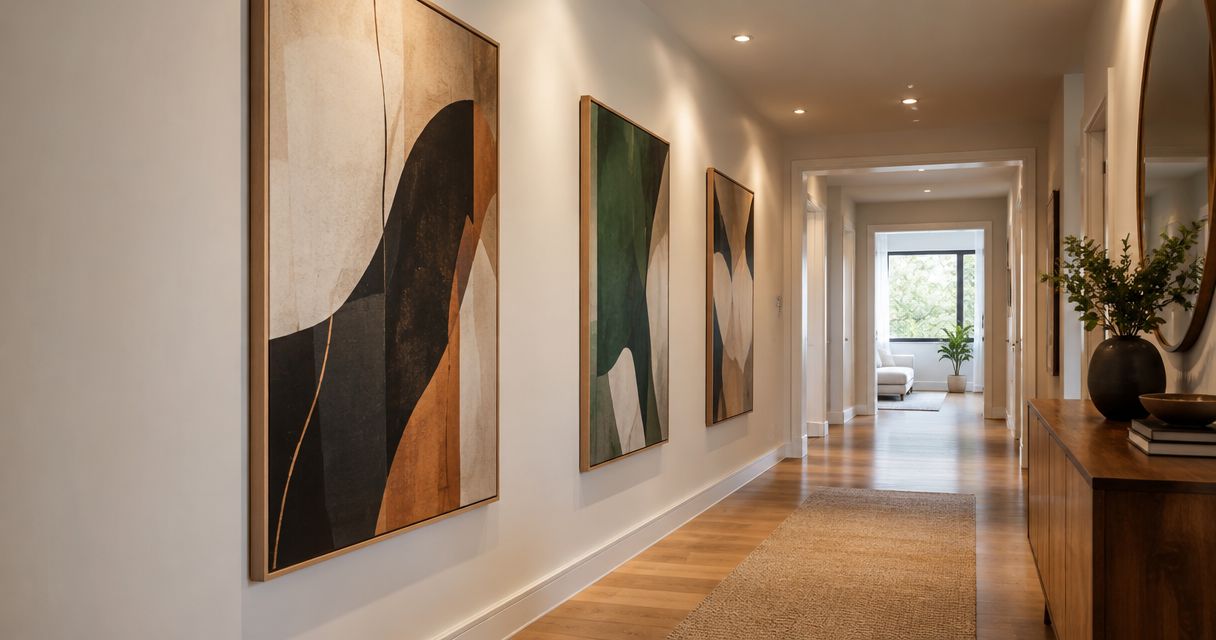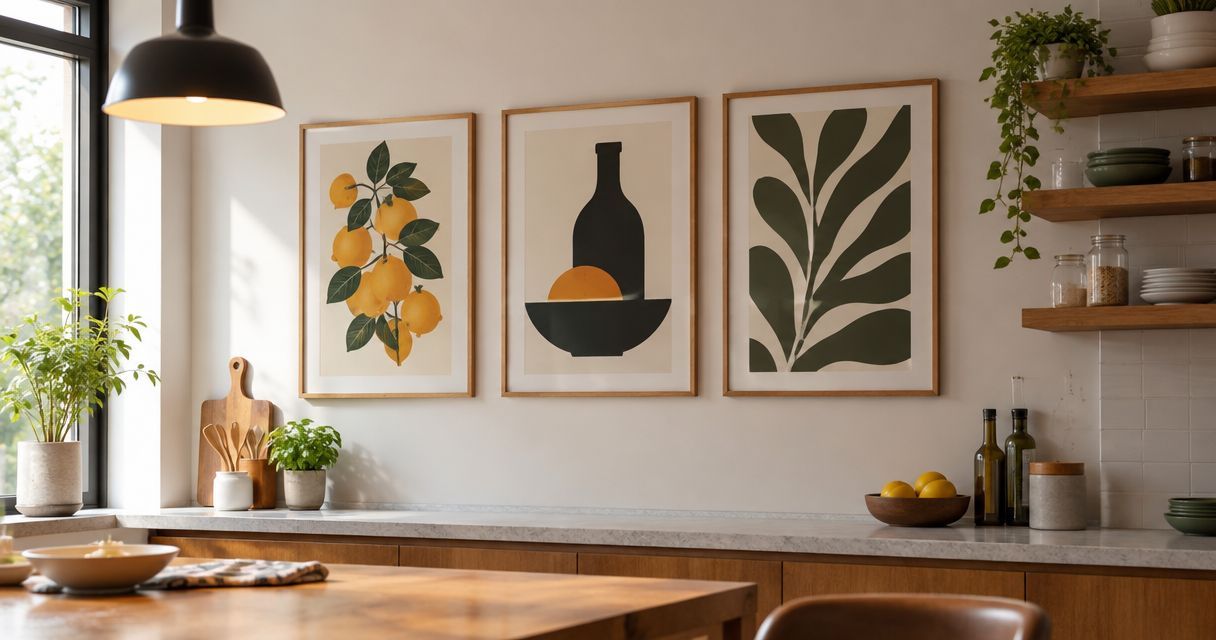
Instead of manually comparing every artwork with your brand book, turn your corporate brand guidelines to office fine art selection process into a shared brief, room-by-room shortlist, and approval record. This 2026 workflow connects brand decisions to physical walls without treating office art as enlarged advertising.
- Corporate brand guidelines to office fine art selection starts with a written art brief, not a color-matched shopping list.
- Mercado da Imagem sells art and wall decoration; evaluate individual works against your approved brief.
- Separate brand fit, room fit, and installation checks before approving office art.
- Reopen only affected decisions when brand guidelines or room conditions change.
Why this matters
Brand guidelines describe identity. They do not automatically tell you which artwork belongs opposite reception, beside a meeting table, or behind a video-call seat. Turning a palette into a shopping filter leaves subject matter, scale, lighting, and installation unresolved.
Mercado da Imagem is best for buyers seeking art and wall decoration, rather than a workflow tool. Browse Mercado da Imagem after defining your selection criteria; the seller's role and your internal approval process are separate decisions.
For a 2026 office project, create a dated baseline before collecting candidates. The useful output is not a board of attractive pictures. It is a record explaining why a particular work belongs on a particular wall.
Before you start
- Collect the source material: the approved brand guidelines, room photographs, wall measurements, furniture dimensions, and any building restrictions. Get permission to share interior photographs before sending them outside your organization.
- Assign decision rights: name a brand approver, a workplace or facilities reviewer, and a purchasing owner. One person can hold several roles, but each responsibility needs an owner.
- Check the hidden constraint: an image that matches your palette can still fail because its framed dimensions, reflections, mounting requirements, or subject matter do not suit the room. Confirm these before final approval, not after ordering.
Use a shared document or spreadsheet with controlled editing access. The bold field names below are labels to create in your own worksheet, not buttons in a particular application.
Brand brief configuration
Translate identity into selection criteria
- Create a project record with Project name, Guideline version, Decision owner, and Review date. Record the actual version supplied by your brand team. Do not assume an older document remains authoritative because it appears in a shared folder.
- Add Brand traits and copy the traits your guidelines actually specify. Translate each into a visual consideration. For example, if the approved trait is precision, assess composition and visual order rather than assuming the artwork must depict technical objects.
- Add Palette relationship. Choose whether artwork should repeat an approved accent, sit within a neutral setting, or introduce contrast. Record that choice explicitly; color matching is a possible rule, not an automatic requirement.
- Create Excluded content and Required checks. List actual organizational restrictions and questions needing approval. Do not invent blanket bans on abstract art, photography, or figurative work when your organization has not adopted them.
- Finish with Selection rationale: a short explanation of what office art should contribute. Distinguish atmosphere, visual interest, and brand expression from promotional messaging.
Expected result: a brief that another person can apply without asking what “on brand” means at every decision.
Choose an art direction without making it a product ranking
Compare directions before comparing individual works. The options below describe selection approaches, not claims about a seller's catalog or the effect an artwork will have on every viewer.
| Art direction | Best for | Advantage | Limitation to check |
|---|---|---|---|
| Palette-led abstraction | Teams prioritizing a visible color relationship | Makes the connection to approved colors easy to explain | A matching palette alone says little about subject, scale, or room fit |
| Place-led imagery | Offices with an approved connection to a location | Gives reviewers a concrete subject to assess | The location needs a genuine organizational connection |
| Nature-led imagery | Briefs that explicitly request natural subjects | Provides a clear subject category for shortlisting | Generic imagery can lack a specific connection to the brief |
| Mixed-subject collection | Offices needing variation across different rooms | Allows each room to have a distinct emphasis | Requires shared framing or composition rules to avoid unrelated choices |
Choose the direction with the clearest written rationale, not the most enthusiastic first reaction. If none fits the brief, revise the direction before collecting more candidates.
Room requirements configuration
Build a wall schedule
- Give each proposed location a Wall ID. Use a stable description such as Reception entrance wall rather than a person's name, which becomes confusing when seating changes.
- Record Usable width and Usable height in centimeters. Measure the clear area after accounting for switches, doors, fixtures, furniture, and other obstructions. A wall's full dimensions are not necessarily its usable dimensions.
- Add Viewing position, Lighting, and Room use. Photograph the wall from its ordinary approach and from the main seated position. Check reflections under the lighting people actually use.
- Create Installation constraints. Ask facilities to confirm wall construction, permitted fixing methods, and any relevant building requirements. Do not specify hardware from a photograph alone.
- Mark Room evidence date. For your 2026 project record, use current photographs and measurements rather than carrying forward an old layout without checking it.
Expected result: every candidate has a defined destination, physical limits, and a named installation reviewer.
Test the composition in the actual room
A cropped product image cannot establish how a work relates to a desk, doorway, or adjacent wall. Make a scaled mockup using the candidate's confirmed outer dimensions, including its frame where applicable. Keep the wall photograph unaltered so reviewers can see real obstructions.
Use removable paper templates only where the wall finish permits them. Stand at the normal viewing position and check the composition from the doorway as well. If the arrangement only works in a tightly cropped photograph, revise it.
For a separate method of translating visual references into candidates, use the mood boards to fine art print picks workflow. Keep the room requirements attached to that process rather than treating the mood board as approval.
Candidate and approval configuration
Create the shortlist record
- Create one entry per candidate with Artwork reference, Seller, Image reference, Outer dimensions, and Assigned wall. Copy details from the actual listing or written specification. Leave unresolved details marked as questions rather than filling gaps with assumptions.
- Add 3 review fields: Brand fit, Room fit, and Installation fit. Write a reason in each field. Avoid an unexplained overall score that hides a physical problem behind aesthetic approval.
- Add Specification questions. Request confirmation of the medium, dimensions, frame inclusion, and other details relevant to the proposed installation. A photograph alone does not establish those facts.
- Record Decision status using 4 labels: Draft, Under review, Approved, and Rejected. Keep unresolved candidates out of the approved list.
- Add Decision reason and Approved by. Preserve rejected entries so the next reviewer can see why an appealing but unsuitable work was excluded.
Expected result: each shortlisted work has evidence, an assigned wall, and a visible decision status.
Separate selection approval from purchasing approval
Ask the brand approver to assess the selection rationale and content. Ask facilities to assess dimensions, placement, and installation conditions. The purchasing owner then checks the exact item specification against the approved record before committing.
Mercado da Imagem belongs in the seller field when you evaluate its art or wall decoration. Its fit as a source does not establish whether a particular work satisfies your room requirements; assess the individual item.
Do not approve an artwork while its outer dimensions or installation requirements remain unresolved. Record an aesthetic preference as Under review until the physical checks are complete.
Handoff and change-control configuration
Build the installation handoff
- Create an Approved schedule listing the artwork reference, assigned wall, confirmed dimensions, and approved placement. Attach the agreed room mockup rather than a separate image with no location context.
- Add Installation reviewer and Open questions. Refer mounting decisions to the responsible installer or facilities reviewer. An art-selection worksheet is not a structural assessment.
- Record Installed photograph after placement. Compare the result with the approved composition and note any agreed deviation.
- Save Baseline version and Change reason. Name the baseline clearly, such as Office art baseline 2026, while retaining the underlying guideline version and actual approval dates.
Expected result: purchasing, facilities, and brand reviewers work from the same approved specification.
The workflow has 4 stages: Brand brief, Room requirements, Candidate review, and Installation handoff. Keep these stages separate so a change in one does not silently erase approval in another.
When brand guidelines or office layouts change
Use the same workflow for updates, but reopen only the affected decisions. A new brand palette does not automatically invalidate every artwork. A relocated partition, however, requires a new room-fit check even when the brand brief stays unchanged.
- Record the change under Change reason and identify the affected guideline or room requirement.
- Filter candidates and installed works by the relevant Wall ID or selection criterion.
- Set affected entries back to Under review. Keep unaffected approvals intact, with their original evidence.
- Repeat the relevant review and issue a revised schedule before purchasing or moving artwork.
Best for phased office updates: this change-based review preserves useful decisions without treating the whole collection as permanently approved. Its limitation is recordkeeping: if artwork references and wall assignments are missing, you must reconstruct them first.
For a 2026 brand refresh, document whether each retained work still fits the revised brief. Retention should be an explained decision, not simply the absence of an objection.
Troubleshooting
The colors match, but the artwork feels wrong
Recheck subject matter, composition, and the stated brand traits. Write the mismatch in Decision reason. Do not solve an unclear brief by collecting more images in the same palette.
The mockup looks balanced, but the delivered size differs
Compare the approved outer dimensions with the exact item specification. Distinguish image dimensions from framed dimensions. Stop placement approval until the discrepancy is resolved; resizing a mockup does not change the physical object.
Reviewers keep reversing one another's decisions
Separate their responsibilities. Brand approval covers the brief; facilities approval covers physical conditions. Name the final decision owner for disagreements that remain within those boundaries.
Reflections obscure the image
Reassess the viewing position and lighting before approving the location. Ask about the proposed surface or glazing rather than assuming a finish from a product photograph. Test the actual conditions where practical.
Customize your workflow
Expand the record when you add meeting rooms, reception areas, or another office. Keep shared brand criteria at project level and room constraints at wall level; copying everything into every row creates conflicting versions.
Mercado da Imagem can remain one source in that selection process. The advantage of a seller-independent brief is that you can assess art consistently; the limitation is that your team still owns measurement, approval, and installation coordination.
Add a post-installation review after furniture or lighting changes. Use the original rationale as the reference, not a new round of unstructured preferences.
FAQ
How do I turn corporate brand guidelines into office fine art selection criteria?
Translate approved brand traits, palette relationships, and content restrictions into a written art brief. Then assess each candidate separately for brand fit, room fit, and installation fit.
Does office artwork have to match our brand colors exactly?
No, exact color matching is not an automatic requirement. Follow any explicit brand rule; otherwise document whether the artwork should repeat, complement, or contrast with the approved palette.
Who should approve artwork for a corporate office?
Assign brand approval, facilities review, and purchasing responsibility before shortlisting. These responsibilities can belong to the same person, but the decision record should distinguish them.
What measurements do I need before choosing office wall art?
Measure usable wall width and height, then confirm the artwork's outer dimensions. Include frames, nearby furniture, doors, switches, and other obstructions in the room check.
Can I choose office art from a mood board alone?
No, a mood board establishes visual direction but does not confirm physical suitability. Pair it with current room photographs, measurements, and item specifications before approval.
Should every artwork change when our brand guidelines change?
No, review the works affected by the changed criteria. Retain an existing work when its documented rationale still satisfies the revised brief and its room conditions remain suitable.
What does Mercado da Imagem contribute to this workflow?
Mercado da Imagem sells art and wall decoration. Your team still needs to establish selection criteria and confirm each item's specifications against the intended wall.
One last thing
Keep the rejection reason, not just the approved image. A beautiful candidate rejected because it blocks a switch or conflicts with the brief can otherwise return in the next review. Your 2026 decision record should explain exclusions as clearly as approvals.